REAL-TIME CONNECTION
Real-time voice and video
for connected hardware.
Connect smart glasses, robots and IoT devices with applications and people, wherever they are.
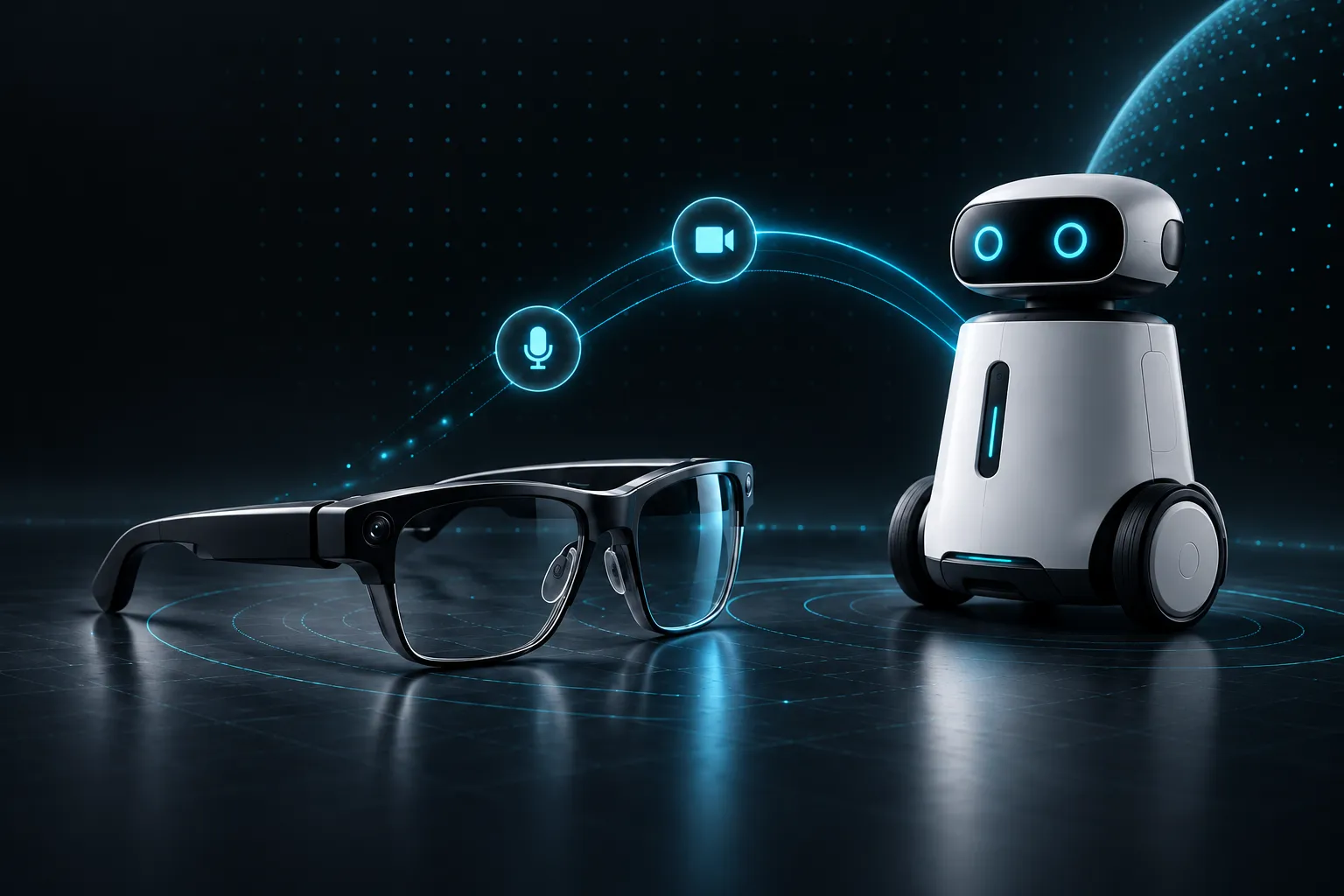
FROM DEVICE TO APPLICATION
From device to application,
how does real-time connection work?
Map the device, media path and remote application before evaluating integration requirements.
Capture on device
Check camera, microphone, speaker and device OS requirements.
Transport in real time
Plan the media path around call flow, network conditions and media settings.
Connect people
Connect remote viewing, calling and collaboration to the application workflow.
EXPLORE BY DEVICE
Start with your device.
Compare communication scenarios and integration questions by device.
01 / Smart glasses
One point of view. A shared perspective.
Evaluate real-time video and two-way audio for smart glasses. Let a wearer and a remote participant see the same scene and talk through inspection, support and collaboration.
Explore the solutionBEFORE INTEGRATION
Check before integration
- OS and SDK fit: confirm versions, CPU architecture, available interfaces and manufacturer restrictions.
- Media path: check camera output, audio input/output, microphone layout and echo-processing ownership.
02 / Robots
Stay present. Across the distance.
Evaluate live video and two-way voice for robot devices. Connect people to the scene with clearly defined viewing, calling and human-assistance flows.
Explore the solutionBEFORE INTEGRATION
Check before integration
- Confirm OS, CPU architecture and capture interfaces; distinguish existing video pipelines from new call functions.
- Define camera count, video resolution, audio I/O and the receiving application.
03 / AI toys
Let voice connect the interaction.
Focus on real-time audio transport within a conversational toy. Separate capture, playback, transport, speech processing and model response before deciding whether RTC fits the device.
Explore the solutionBEFORE INTEGRATION
Check before integration
- Identify the MCU or application processor, OS, memory and audio interfaces.
- Identify the providers of model and speech services and how they connect to transport.
04 / IoT devices
From connected devices to two-way conversations.
Evaluate RTC for intercom and remote audio/video viewing on doorbells, cameras and other connected devices. This is communication capability, not a complete IoT platform.
Explore the solutionBEFORE INTEGRATION
Check before integration
- Provide OS and firmware details, architecture and audio/video I/O specifications.
- Describe connectivity, sleep/wake behavior and the intended call flow.
01 / SOLUTIONS
Different devices.
The same human connection.
Define an RTC integration path around your device, communication flow and project stage.
First-person view.
Shared perspective.
Share what the wearer sees and hears with a remote expert, in the moment.
Across the distance.
Closer to the scene.
Connect robots to remote video and two-way conversations for viewing and human assistance.
03 / INSIGHTS
Ask the right questions early.
LET’S CONNECT
What will your device connect?
Tell us about your device, use case and timeline. Start with a concrete conversation.
Discuss your RTC project ↗